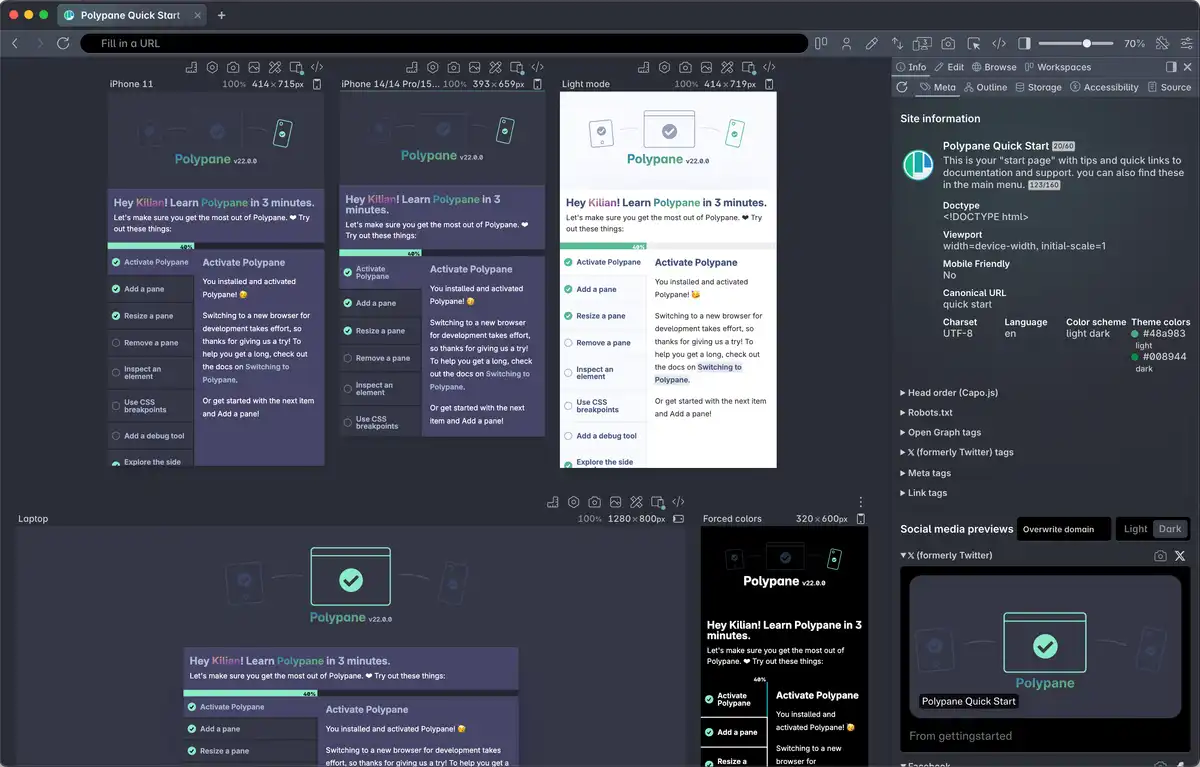
All the A11y tools you need.
From color blindness simulators to network throttling, from horizontal overflow detection to color contrast suggestions. Polypane has all the tools you need to check how accessible your site is.
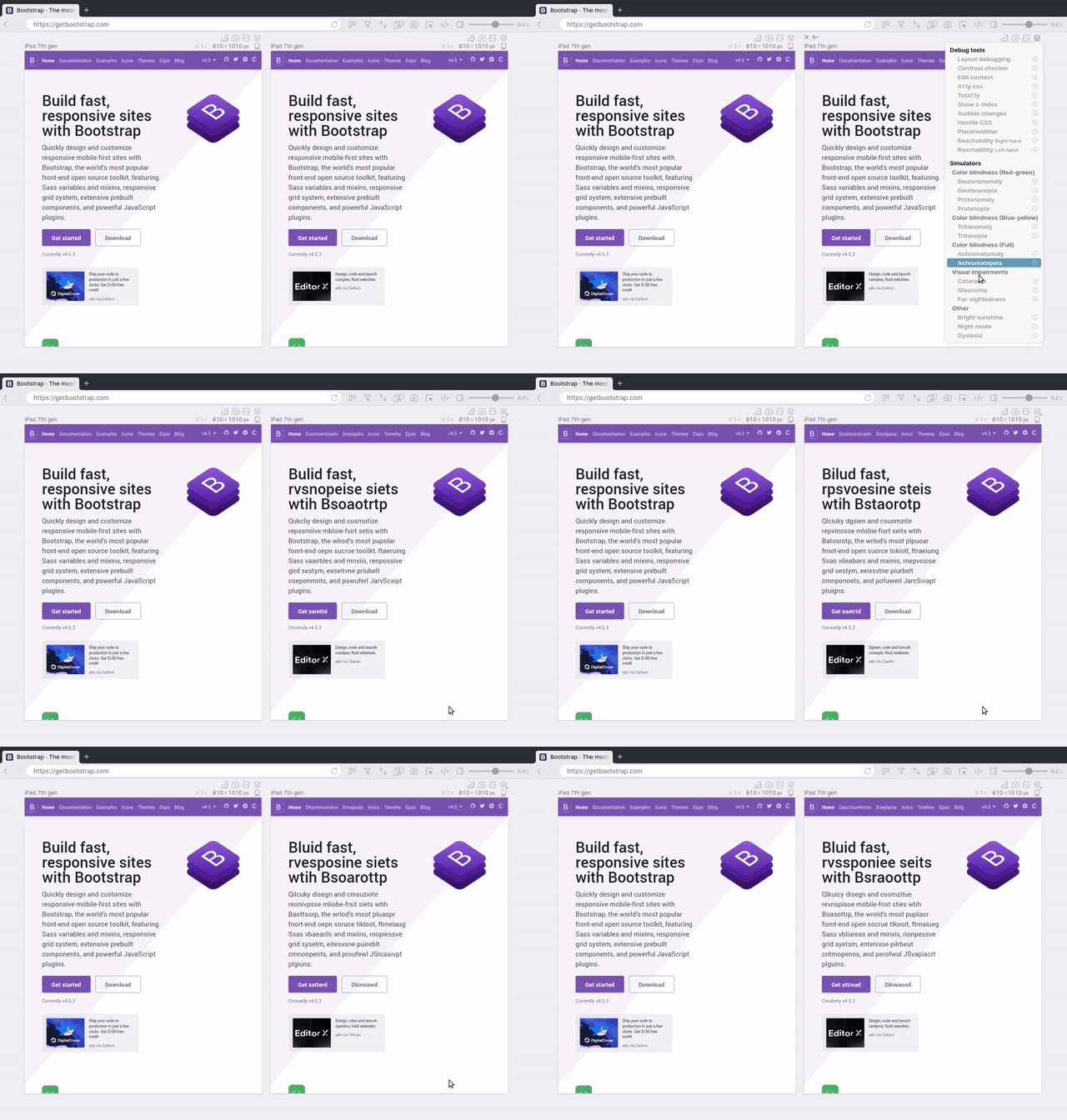
Simulate color blindness
Simulate 8 different types of color blindness directly in Polypane, side by side.

Test your color contrast automatically
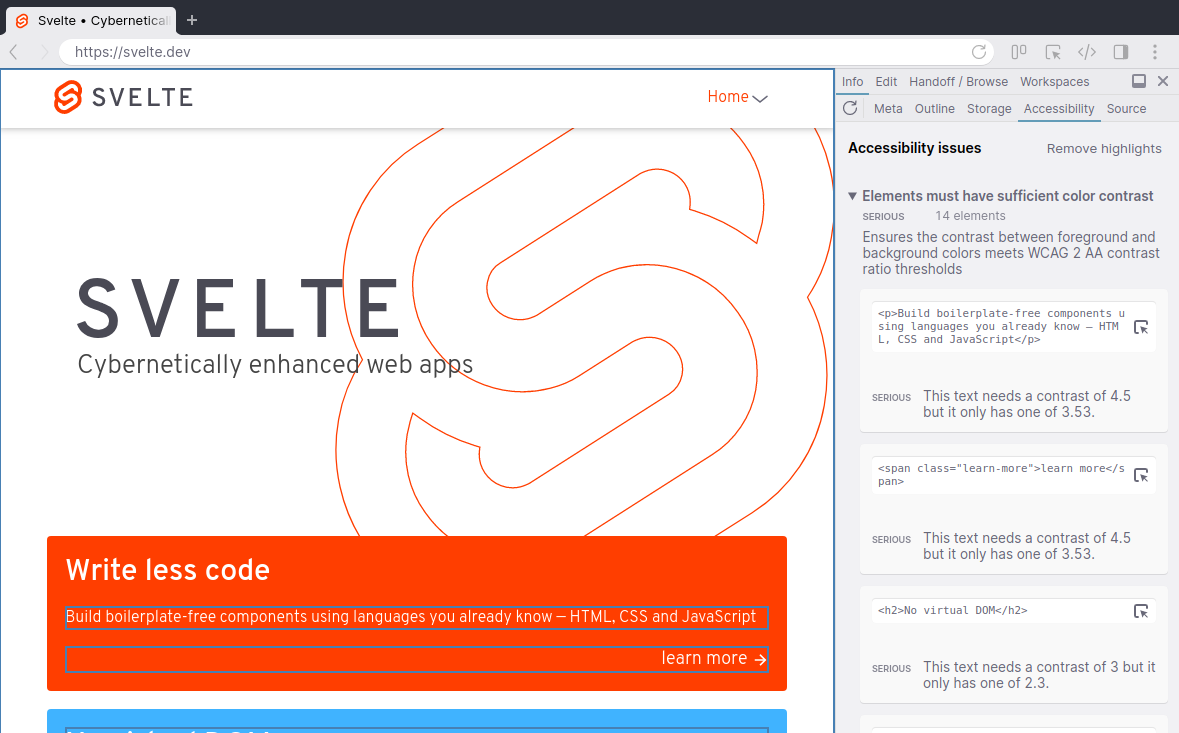
Find all elements that don't have enough contrast using the real text and background colors. We'll suggest improved colors too!
Automated accessibility test
Over 80 different A11y tests. WCAG 2.2 and actionable feedback included.
The score in this panel maps to your Lighthouse/web.dev score, so you know if you're on the right track.
Your page structure visualized
Find broken links, incorrect header orders, Focus order issues, broken forms, missing accessible names and more.
A11y info at your fingertips
Whether in the element inspector or in the node selection tooltip, Polypane will show you the a11y info for each element, like contrast, accessible name and role.
If something is wrong, Polypane will show you errors and warnings for missing or incorrect attributes.

Dark mode, reduced motion & reduced data testing
Toggle dark mode, reduced motion and reduced data for any pane with a single click and test it side-by-side with the regular site. No need to change your entire OS.
Simulate visual impairments
Polypane simulates farsightedness, glaucoma and cataracts but also dyslexia, bright sunlight and night mode. Easily accessible through the debug tools.
Reachability
Check your mobile designs on how easy elements are to reach single-handedly.
Comes in righty and lefty versions.
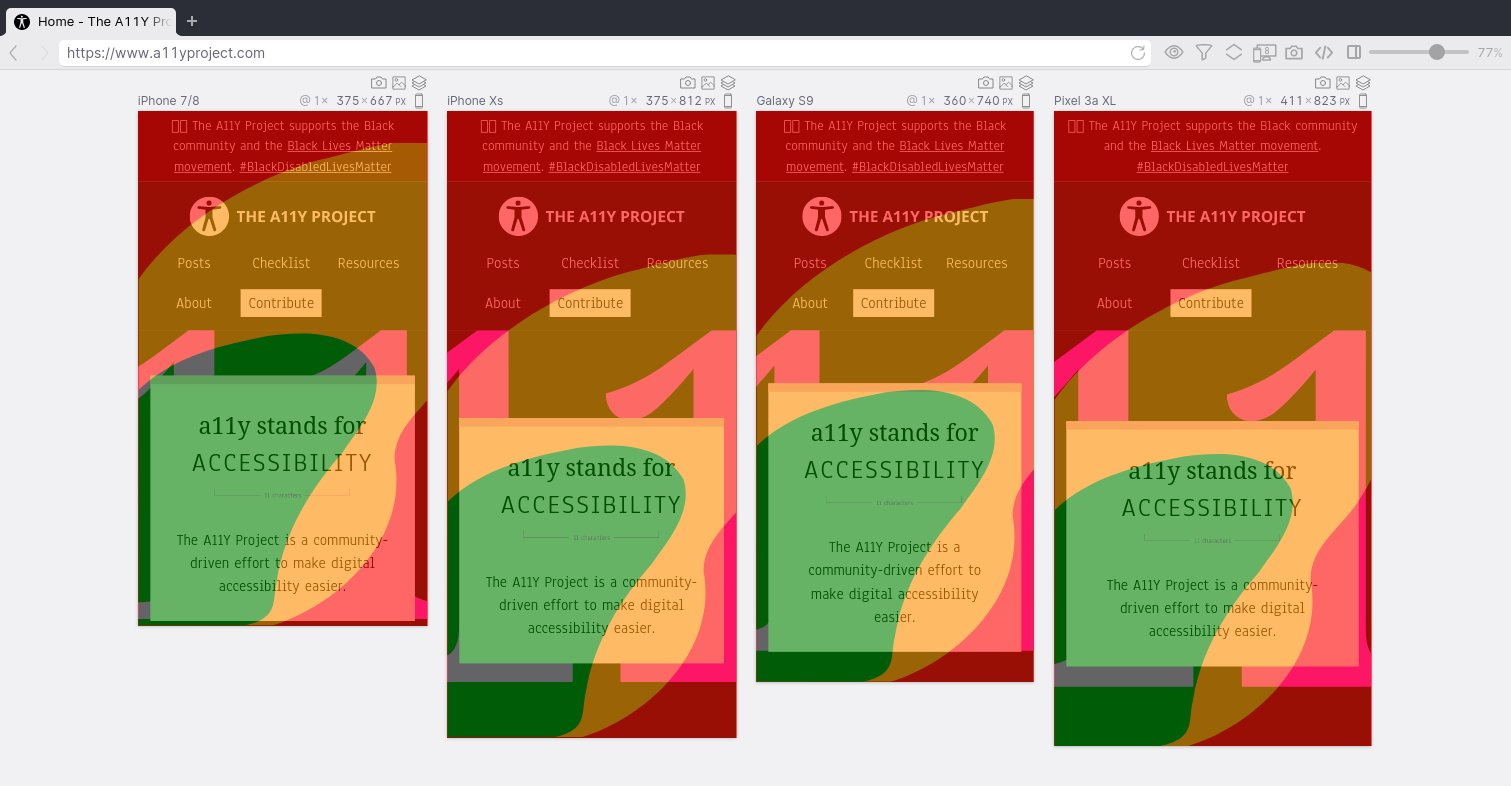
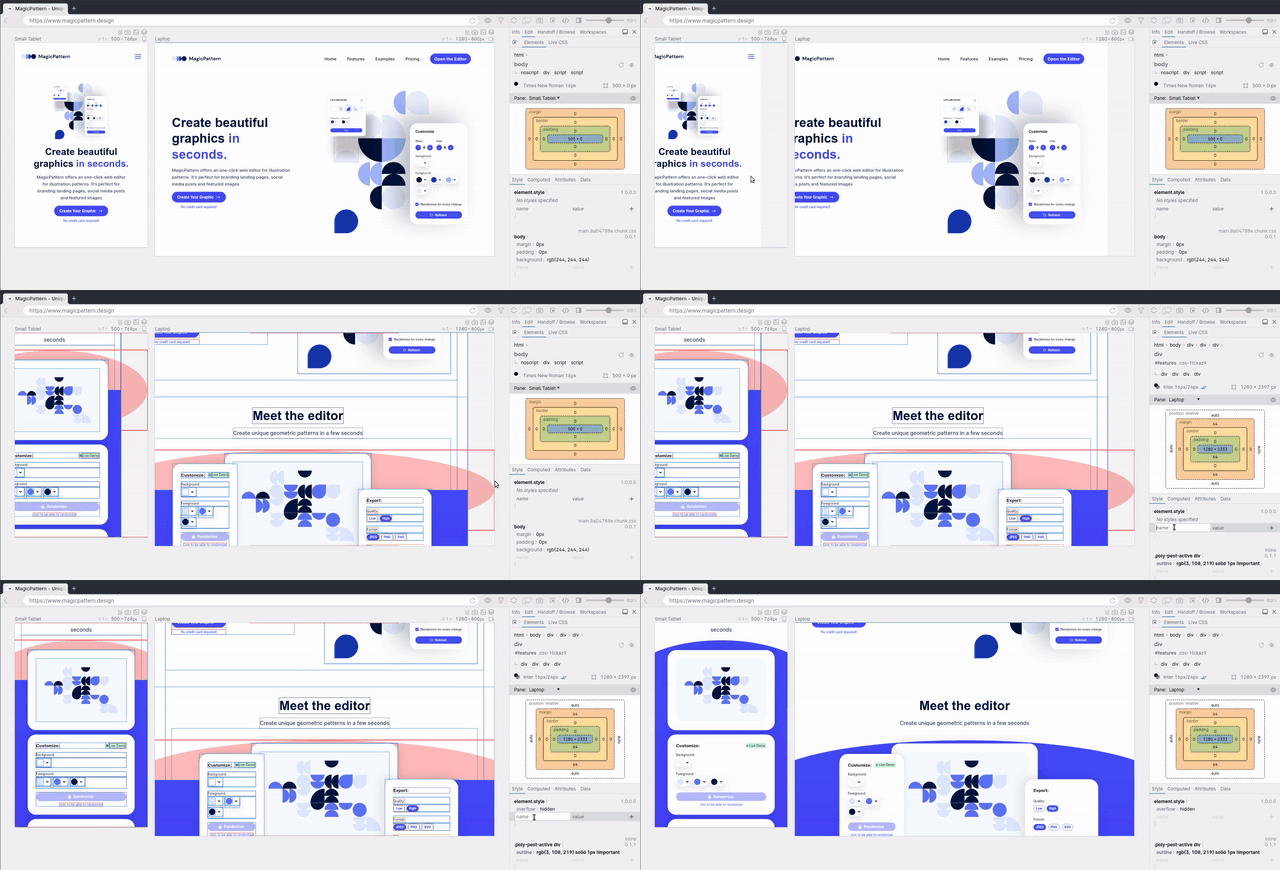
Horizontal overflow detection
Turn layout debugging on and Polypane highlights all elements causing a horizontal overflow, no messing around in the devtools needed. Quickly check that a page adheres to WCAG 1.4.10 "Reflow".
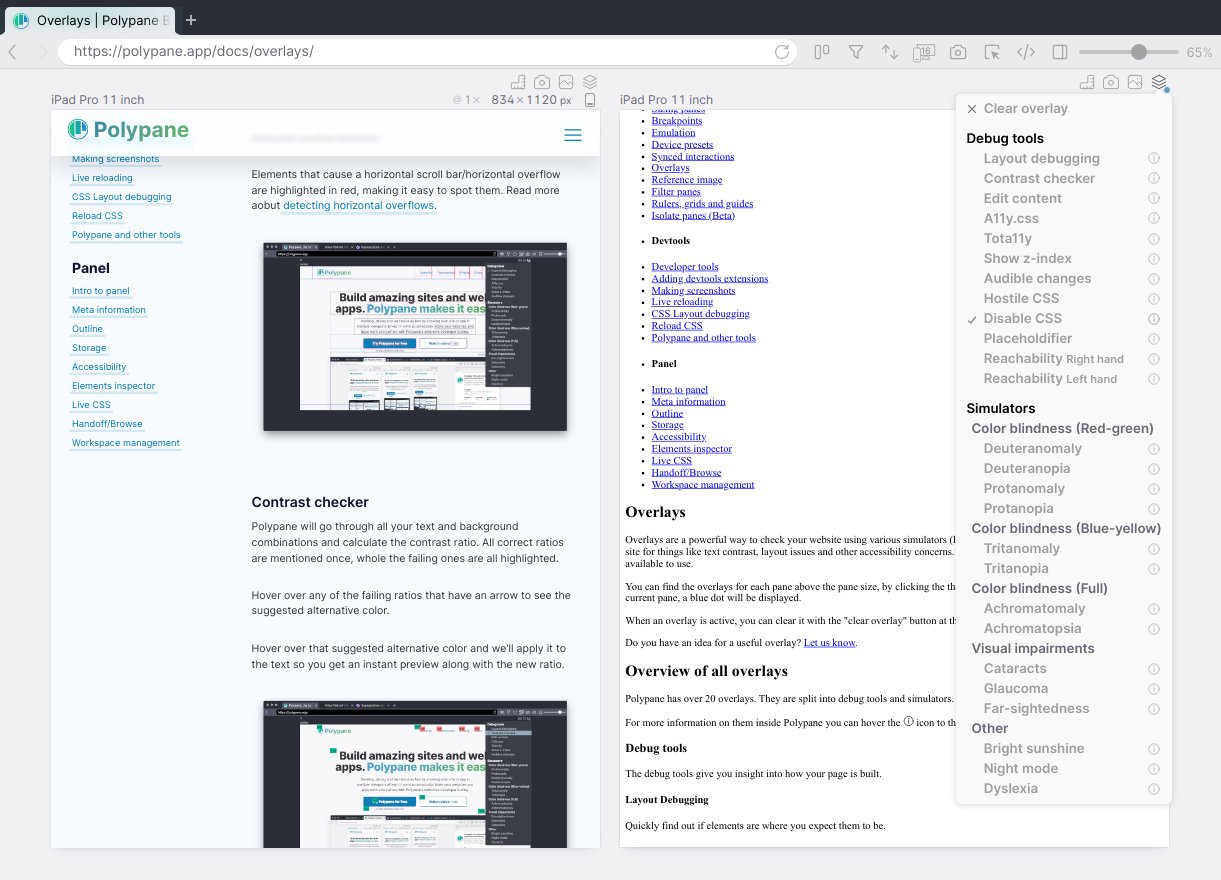
Disable CSS
Quickly Disable all the CSS in a single pane to clearly see your HTML structure.
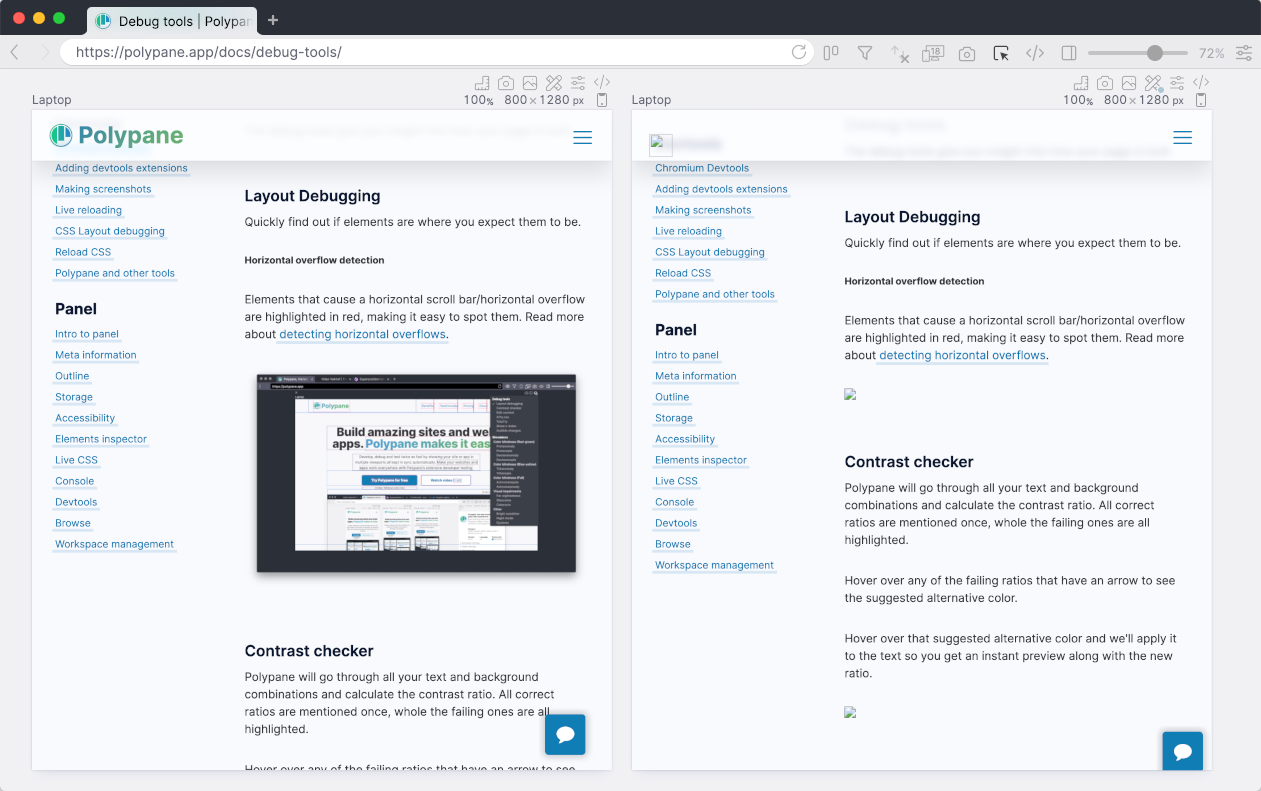
Disable Images
Hide images and show their alt text instead to make sure your layout can handle broken images.
Want to learn more?
We wrote about all the ways Polypane improves the accessibility of your site.
Find and fix accessibility issues with Polypane
At Polypane, accessibility is one of the three core areas we focus on, along with performance and responsive design. If you're not familiar with Polypane, it's a web browser specifically for web developers. It has all…
The Polypane auditing workflow
Check out the Auditing workflow in our docs to see how you can use Polypane's accessibility testing features to complete your entire audit.
Build the way you already build, without missing anything.
Free 14 day trial, no credit card needed.
- 1 Create your account. Takes a minute.
- 2 Download the app. For Windows, Mac & Linux.
- 3 Build your next project with Polypane